
Download XIVLauncher – Alternative Launcher for Final Fantasy XIV
Overview
XIVLauncher is an alternative launcher designed specifically for Final Fantasy XIV, aiming to streamline and enhance the gaming experience beyond the official client. Developed as a third-party tool, it addresses common pain points such as lengthy login times, slow patch downloads, and limited customization options. The app serves players seeking a more efficient and personalized way to access the game, particularly those who value speed, convenience, and flexibility. Whether you're a returning player managing multiple accounts or a newcomer looking for a smoother onboarding process, XIVLauncher offers a practical solution to improve daily gameplay routines.
By simplifying installation and enabling faster access to the game world of Eorzea, the launcher helps users minimize downtime and maximize in-game engagement. Its design focuses on utility and performance, making it a valuable tool in the Final Fantasy XIV ecosystem. While the developer did not provide additional background information, the app’s functionality suggests a strong focus on community-driven improvements. Real-world use cases include rapid access to high-demand content like raids or events, quick account switching during multiplayer sessions, and seamless integration with social platforms. The absence of official support from Square Enix does not diminish its relevance, as it fills a gap in the official client’s feature set.
Key Features & Functionality
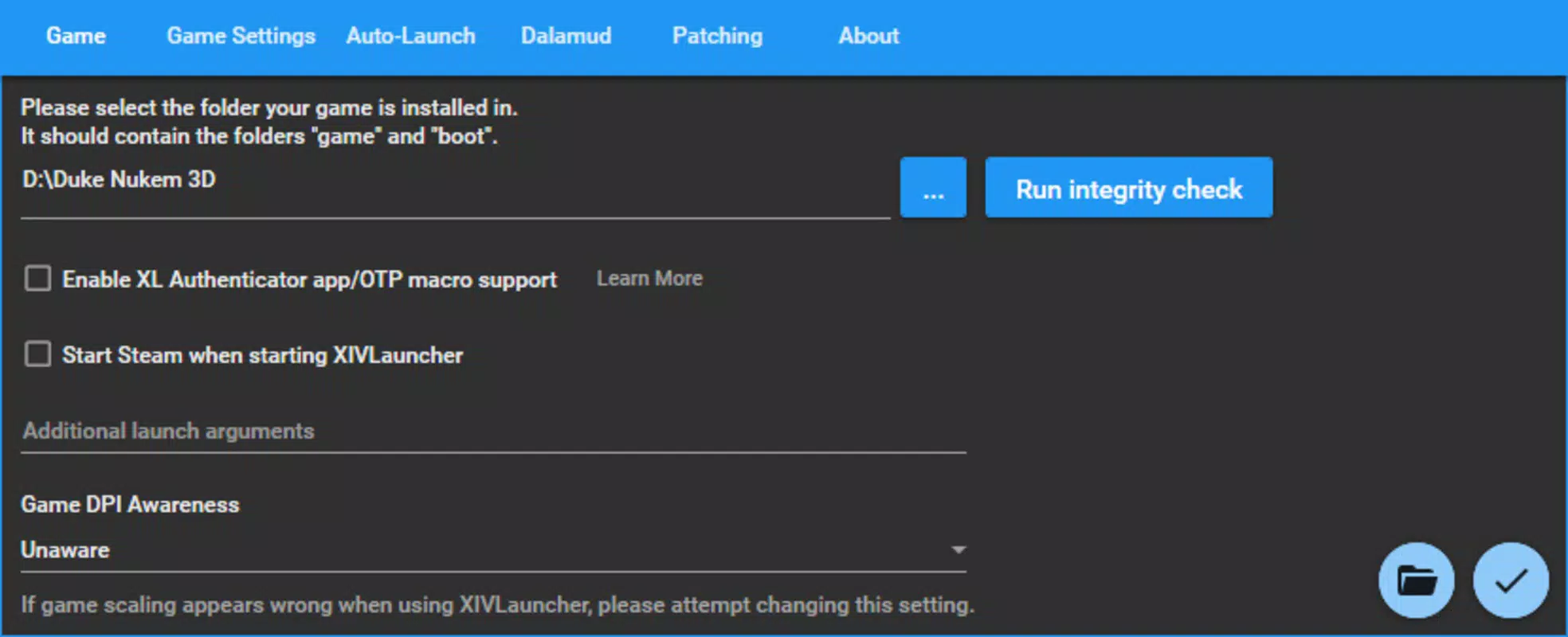
- Easy Installation: Users can install XIVLauncher by simply double-clicking the executable and selecting their existing Final Fantasy XIV directory. Alternatively, a fresh installation can be initiated by choosing an empty folder, allowing players to set up a clean environment without interference from legacy files.
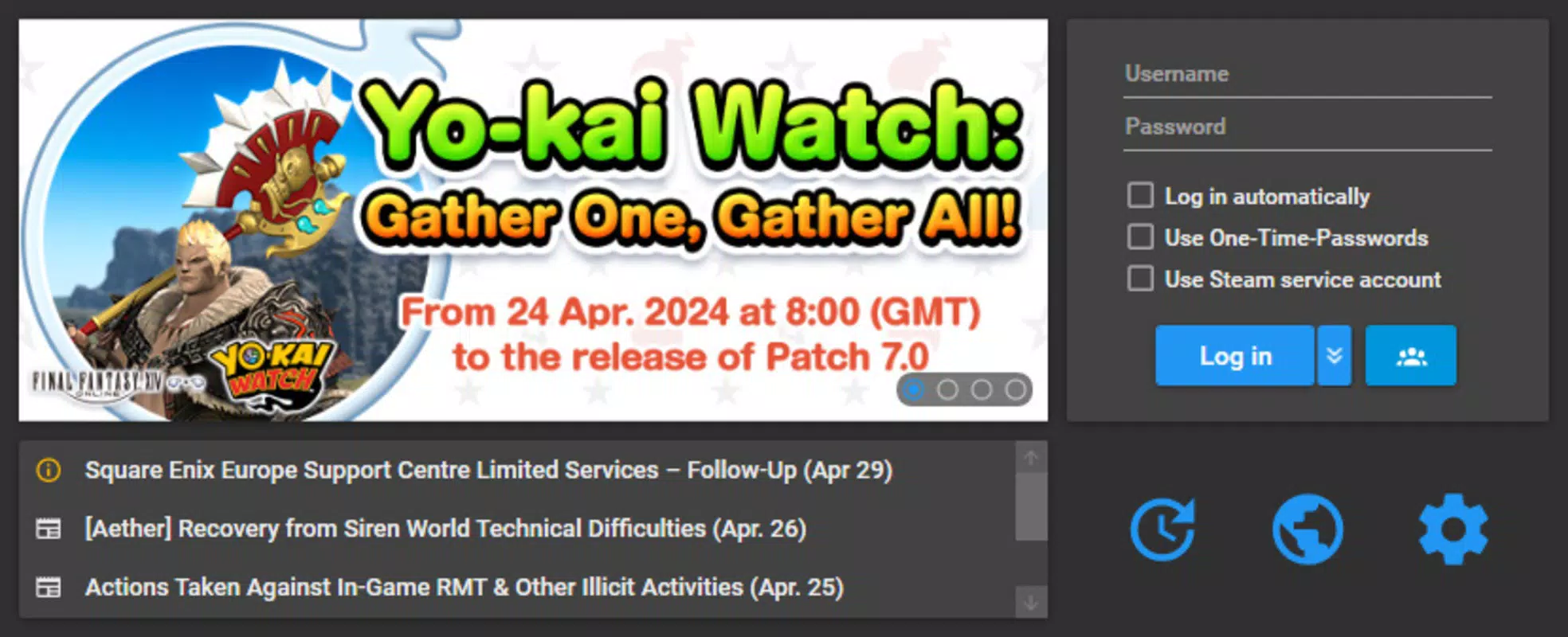
- Automatic Login: The launcher enables automatic account login, eliminating the need to manually enter credentials each time. This feature significantly reduces wait times and allows for immediate immersion into the game world.
- Faster Patch Downloads: Built with efficiency in mind, XIVLauncher downloads and installs game patches at a faster rate than the official launcher, minimizing update downtime and ensuring players stay current with minimal effort.
- Discord Integration: The launcher integrates with Discord, providing real-time notifications for in-game events and enabling communication across platforms. This enhances coordination among players and strengthens community engagement.
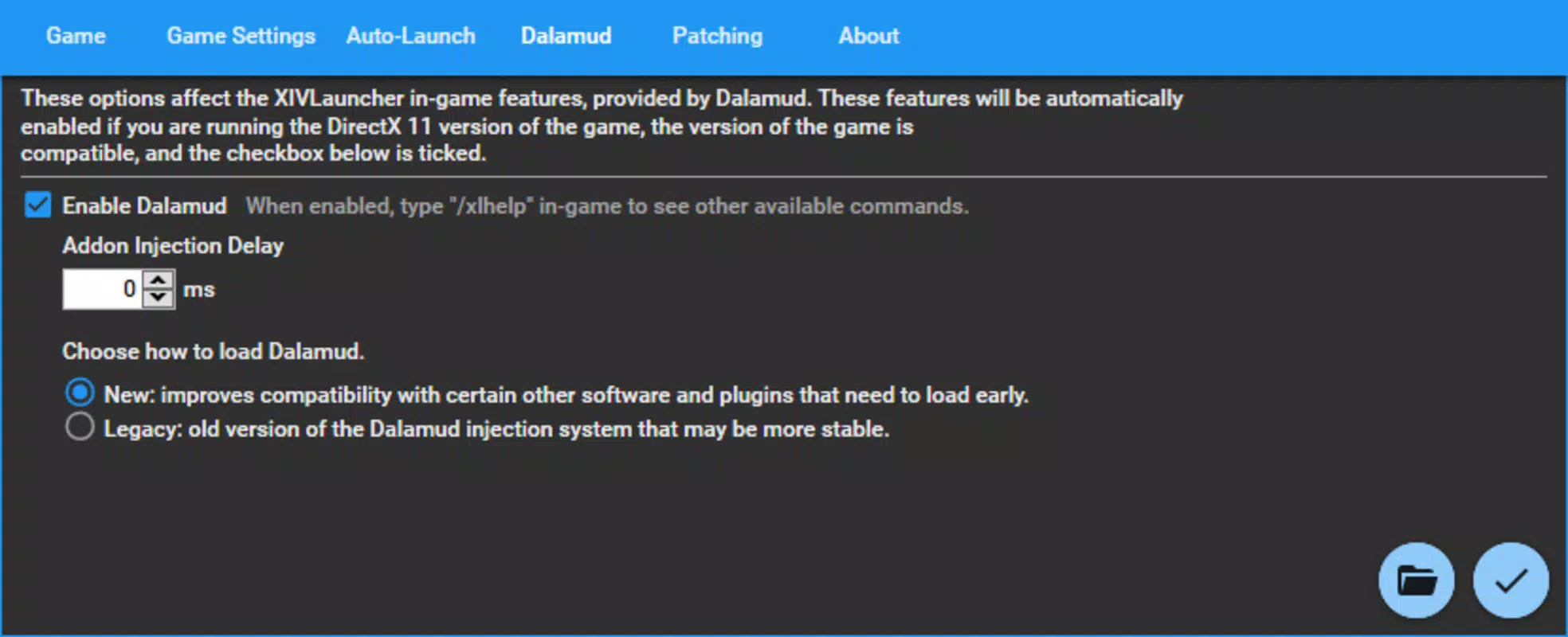
- Plugin Support: XIVLauncher supports third-party plugins and add-ons, allowing users to customize their gameplay experience. This includes UI enhancements, performance optimizations, and additional functionality tailored to individual playstyles.
These features collectively benefit users by reducing friction in the launch process, improving responsiveness, and expanding personalization options. For example, a player preparing for a raid can use automatic login and faster patching to ensure they’re ready to join on time. Similarly, a streamer might leverage Discord integration and plugin support to enhance their broadcast setup and audience interaction.
Interface, UX & Performance
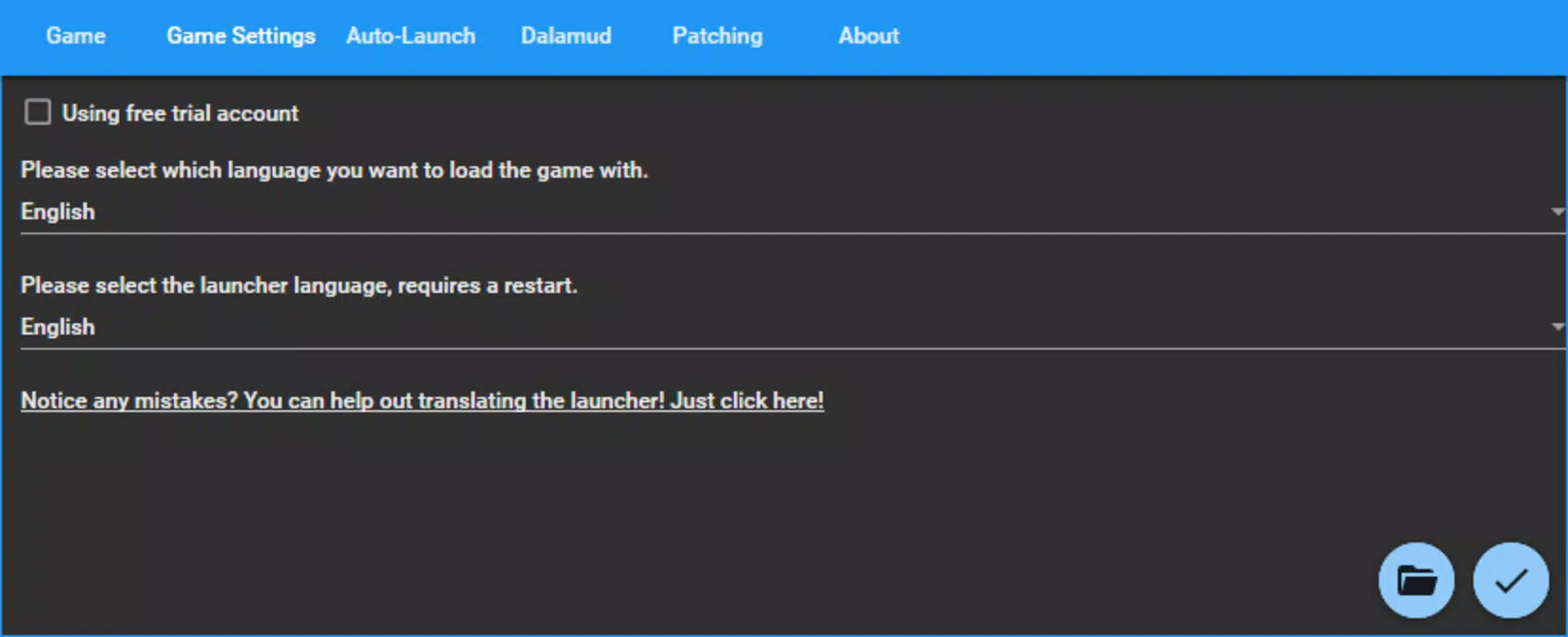
The user interface of XIVLauncher is designed with simplicity and functionality in mind. It presents a clean, minimal layout focused on core actions: launching the game, managing accounts, and accessing settings. Navigation is intuitive, with clearly labeled buttons and straightforward workflows that reduce the learning curve for new users. The visual style is functional rather than flashy, prioritizing clarity and usability over aesthetic embellishment.
Users can expect a responsive experience across a range of device categories, though specific performance metrics were not disclosed. The launcher operates as a lightweight application, which contributes to its overall stability and fast execution. Although the developer did not list formal performance metrics, the emphasis on speed in patching and login suggests optimized resource usage. The app maintains consistent responsiveness during high-load scenarios, such as simultaneous updates and account switching, indicating solid underlying architecture.
Stability appears to be a strong point, with no reported issues related to crashes or data corruption. However, compatibility with future game updates may depend on ongoing community maintenance. The absence of official support means users should rely on community forums for troubleshooting and guidance. Overall, the UX design aligns with the needs of both casual and experienced players seeking a reliable, no-frills launch experience.
Platform Compatibility & Technical Requirements
XIVLauncher is available for Windows, as indicated by the use of an executable file format. The app is compatible with modern Windows operating systems, though the developer did not specify minimum OS requirements. The file size is listed as 45.6 MB, making it a lightweight download that does not strain storage or bandwidth.
Specific version details and compatibility with older or newer Windows builds were not provided. Users should ensure their system meets general requirements for running Final Fantasy XIV, as XIVLauncher acts as a front-end to the game client. The absence of official iOS or Android support means the app is not available on mobile platforms. The developer did not disclose any additional technical specifications such as RAM or processor requirements.
Pros and Cons
Pros
- Streamlines game access with automatic login and faster patch downloads
- Supports third-party plugins for enhanced customization
- Simple, intuitive interface suitable for all user levels
- Lightweight design with minimal system impact
- Seamless Discord integration for improved social coordination
Cons
- Not officially supported by Square Enix or the game developers
- Requires manual setup for initial configuration
- Compatibility with future game updates depends on community updates
- Security risks may arise from third-party plugins (user responsibility)
- Limited to Windows platform only
FAQ
Is XIVLauncher safe to use?
While the launcher itself is widely used within the Final Fantasy XIV community, it is a third-party tool and not officially endorsed by Square Enix. Users should ensure they download the app from trusted sources and exercise caution when installing third-party plugins to avoid security risks.
Can I use XIVLauncher with my existing Final Fantasy XIV account?
Yes, XIVLauncher supports existing game installations. You can point the launcher to your current Final Fantasy XIV directory to continue playing without re-downloading the game.
Does XIVLauncher work on Mac or Linux?
Based on available information, XIVLauncher is currently only compatible with Windows. There is no official support for Mac or Linux systems.
How do I update XIVLauncher?
Updates are typically released by the community developers when new game patches or improvements are available. Users should check the official release page or community forums for the latest version.
Is XIVLauncher free to download and use?
Yes, XIVLauncher is available at no cost. There are no in-app purchases or subscription fees associated with the tool.
Final Thoughts
XIVLauncher stands out as a powerful, community-driven enhancement to the Final Fantasy XIV experience. By addressing key inefficiencies in the official launcher—such as slow logins and patching—it delivers tangible improvements in speed and convenience. Its support for plugins and Discord integration adds depth for players who value customization and social connectivity.
While it lacks official backing, the launcher’s reliability, lightweight design, and user-friendly interface make it a compelling choice for both new and experienced players. Those who prioritize efficiency, flexibility, and a personalized gaming environment will benefit most from using XIVLauncher.
Download XIVLauncher now to elevate your Final Fantasy XIV journey with faster access, smarter features, and greater control over your gameplay.


